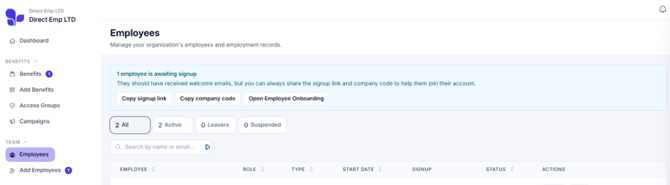
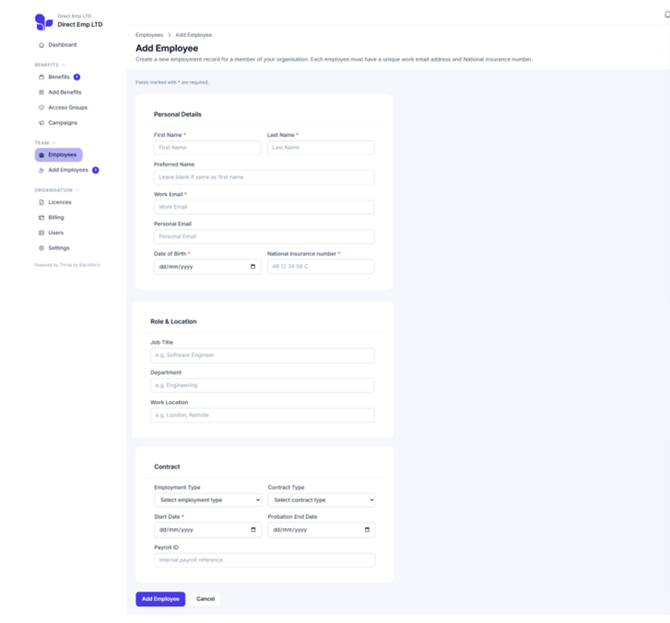
Select the Add a single employee tile. Complete Personal Details, Role & Location, and Contract information - then click Add Employee.
(Once the new employee has been added they'll get a welcome email and a verification code with instructions to set up their account.)
They’ll show on your employees list as ‘Awaiting Signup’ until they activate their account
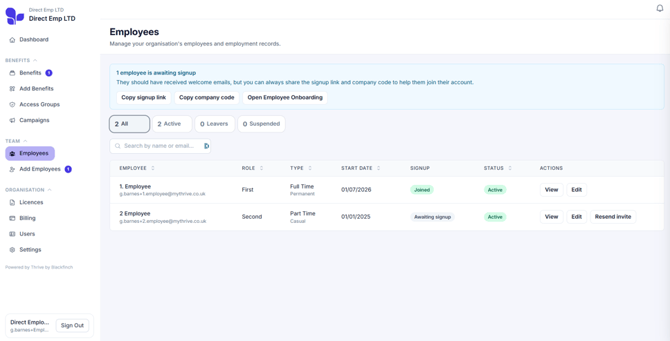
If a team member doesn't receive their welcome email, you can resend their invite from the Employees list. You can also copy the sign-up link and company code from the top of the Employees page, then share them so they can create their Thrive account.