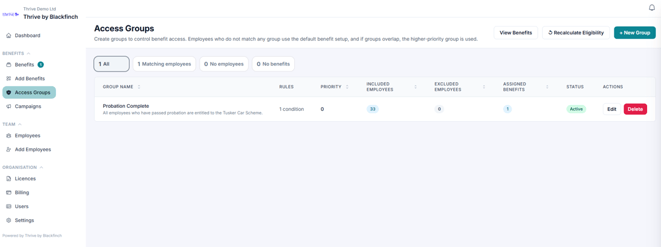
After creating an Access Group, assign it to the relevant benefits to control who can see and enrol in them.
Select Benefits from the menu.
Find the benefit you want to update and click Manage Groups.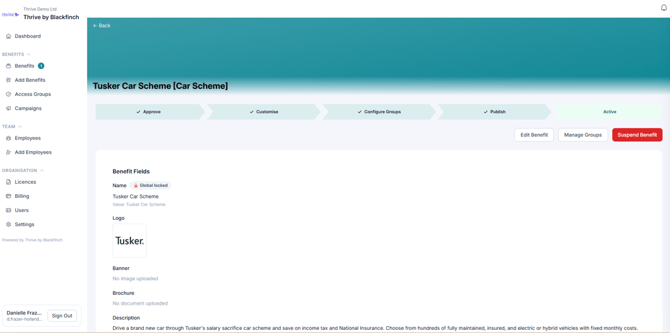
Select the Access Group you want to assign and remove the default all employees group.
Select Save Configuration
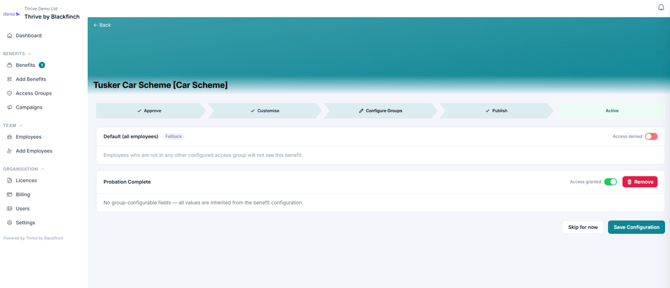
Once saved, you can view your new access group here: