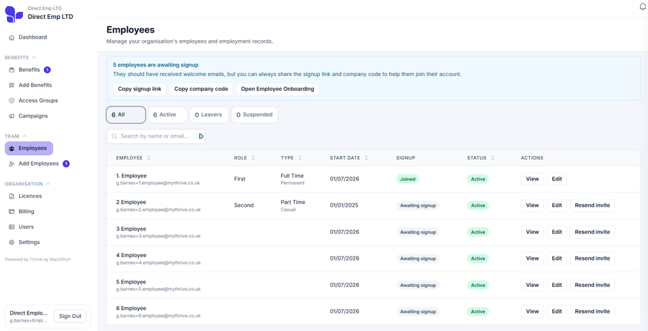
Step 1: Adding a large team?
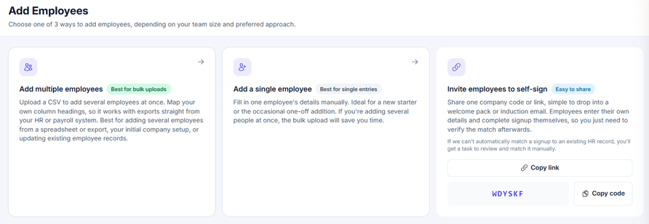
Select Add multiple employees to upload your team in bulk.
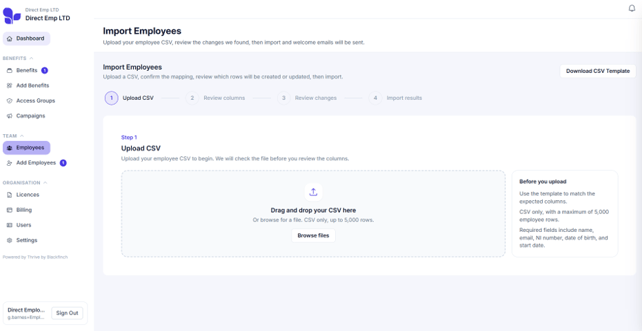
Select Download CSV template in the top right.
Add your team’s details, then upload the completed CSV file.
Step 2: Review columns and CSV preview
We’ll automatically match your CSV columns to the right team fields.
Check each match is correct. Any required fields that aren’t matched will block the import.
Step 3: Select Review changes
Check each row before confirming.
Step 4: Select Import employees
Then select Confirm import.
You’ll see how many team members were added. They’ll appear in the list straight away and each receive a welcome email and a verification code to sign up.