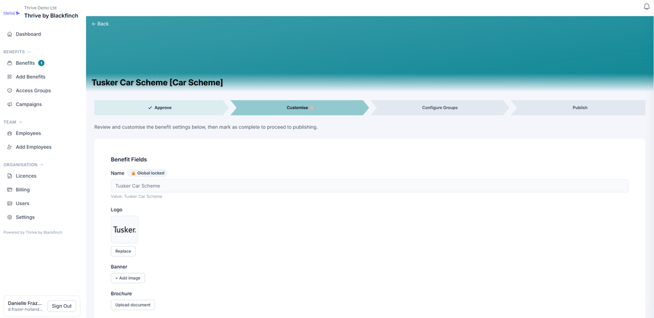
After clicking Add to My Benefits, add any customisation you would like to be displayed to your team.
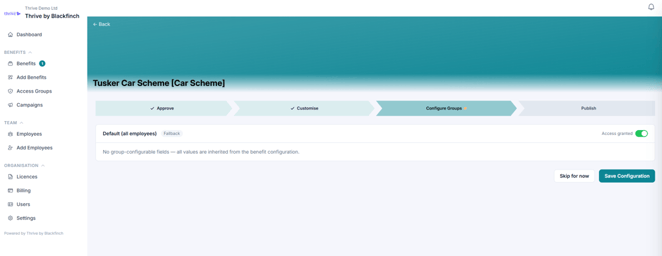
Configure Groups lets you control who can access this benefit. By default, all team members inherit the settings you've already configured, so everyone has access unless you create different rules for specific access groups.
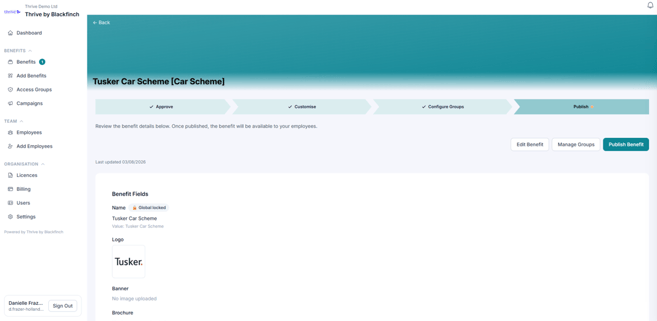
Click save configuration and publish the benefit to make it live for your team.
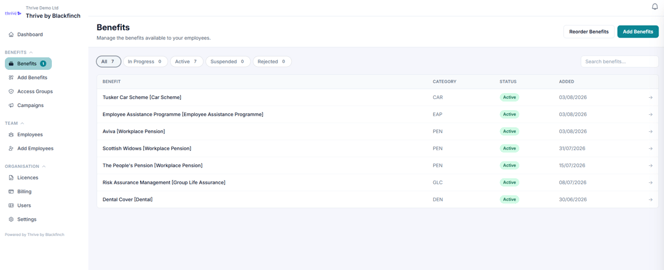
Your newly activated benefits now appear in the list and will show the current status.
Active benefits will be available to colleagues.