Getting Started
When your employer adds you to Thrive, you’ll receive a welcome email with a link and verification code to set up your account.
1. Open the link in your welcome activation email and select Activate your membership.
2. Enter your email address and Sign-up Verification Code. You’ll receive the code in a separate email.
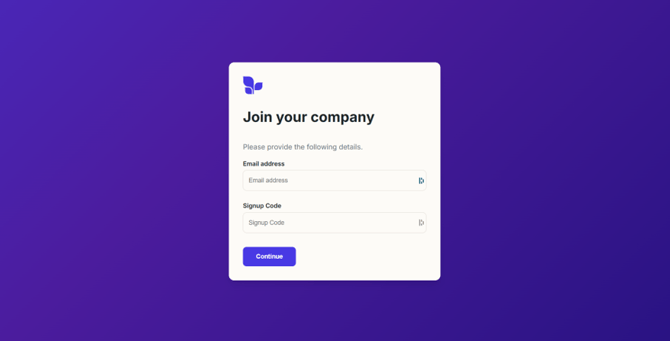
3. Create a password, then select Continue to sign in.

4. Enter your email address and password to sign in.
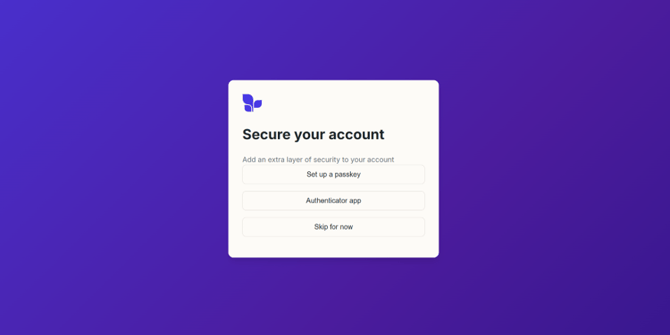
You’ll then have the option to add an extra layer of security to your account.
Choose your preferred option and we'll guide you through the next steps.