
You can let your team sign themselves up, without creating each record manually.
Go to Add Employees > Invite employees to self-sign.
Select Copy Link and code (or company code), then share both with your team so they can sign up. You can also find these at the top of the Employees page.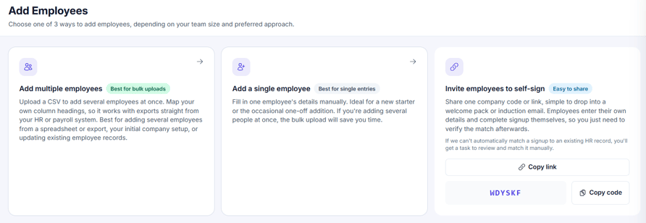
Once your colleague has used the self-sign up link, you will need to follow the unmatched employee process to match their account before they get access to Thrive.