
If we can’t automatically match a team member, they’ll be asked to enter their work email, National Insurance number, date of birth, start date and job title.
If a colleague uses the self sign-up link to sign up, they will need matching.
Review the unmatched employee
If a team member can’t be matched, you’ll see an amber banner on the Add Employees page: ‘X employees awaiting matching’.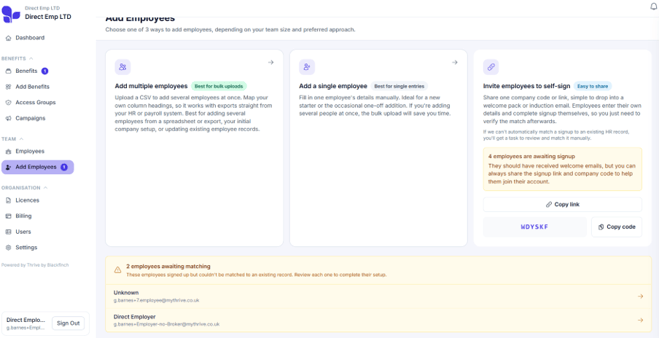
Select the team member’s name to open their matching task.
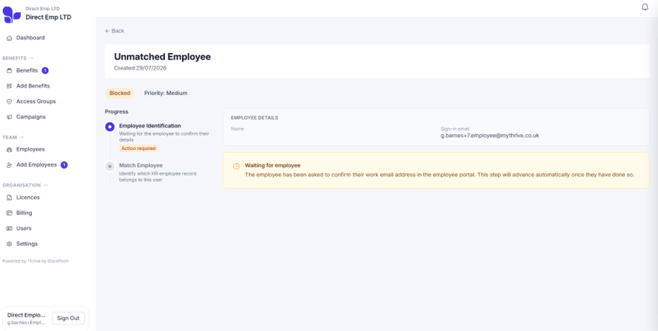
Confirm the match
Select Match next to the correct team member. Once matched, the task will close and their status will update. They can then access their Thrive account.