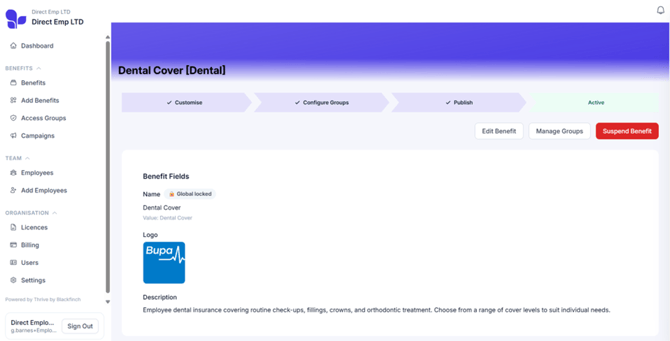
Click any benefit to see the full details, including what it covers, its current status and the options available to you.
From here, you can edit the benefit or temporarily pause it by clicking Suspend. While it’s suspended, your team won’t be able to see it.
When you’re ready to make the benefit available again, click Reactivate benefit from the same page.